
Point your phone at a barcode or an ingredient label. Zeyti checks it against your allergies, diet, and beliefs, then shows you exactly what it found and why.

iPhone and iPad, iOS 17 and iPadOS 17 or later.

Scan to install on your iPhone
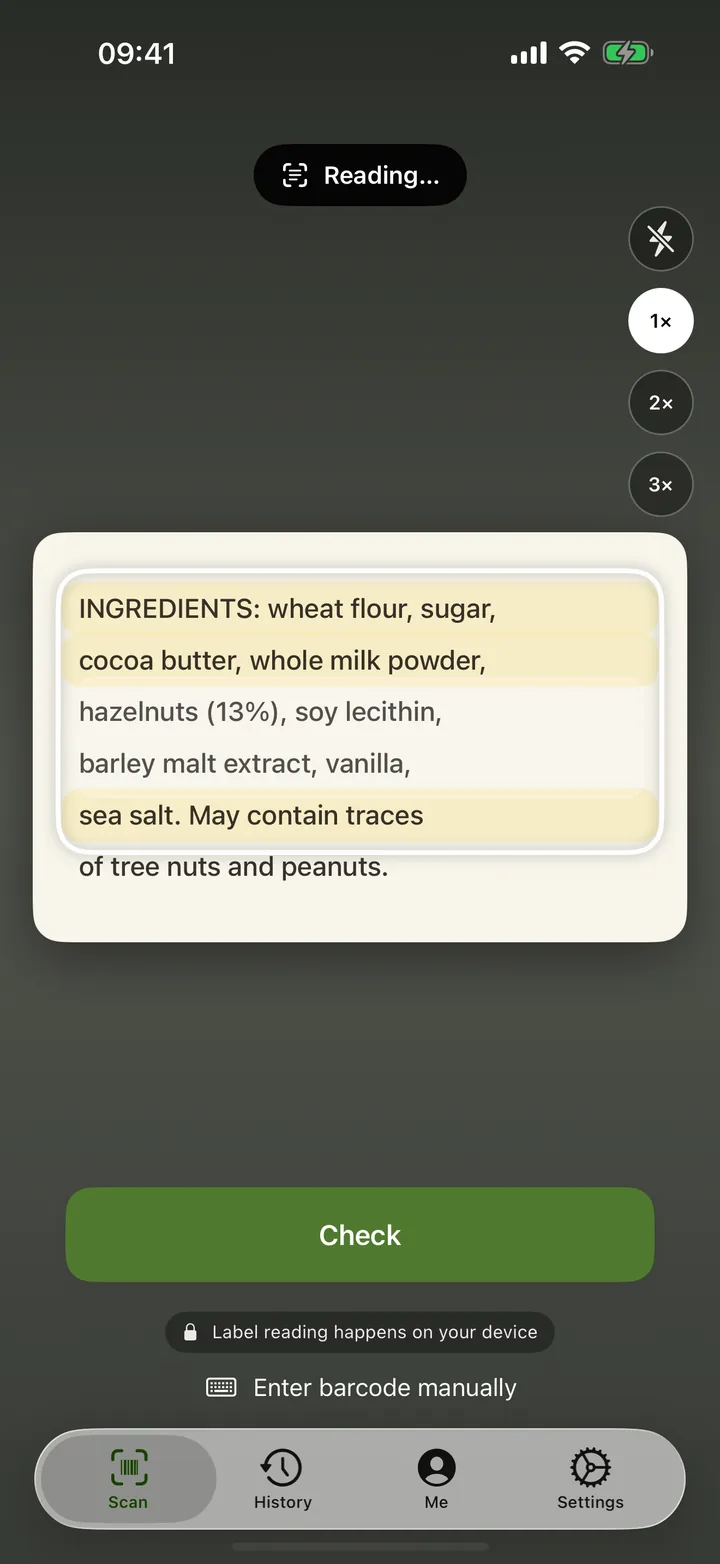
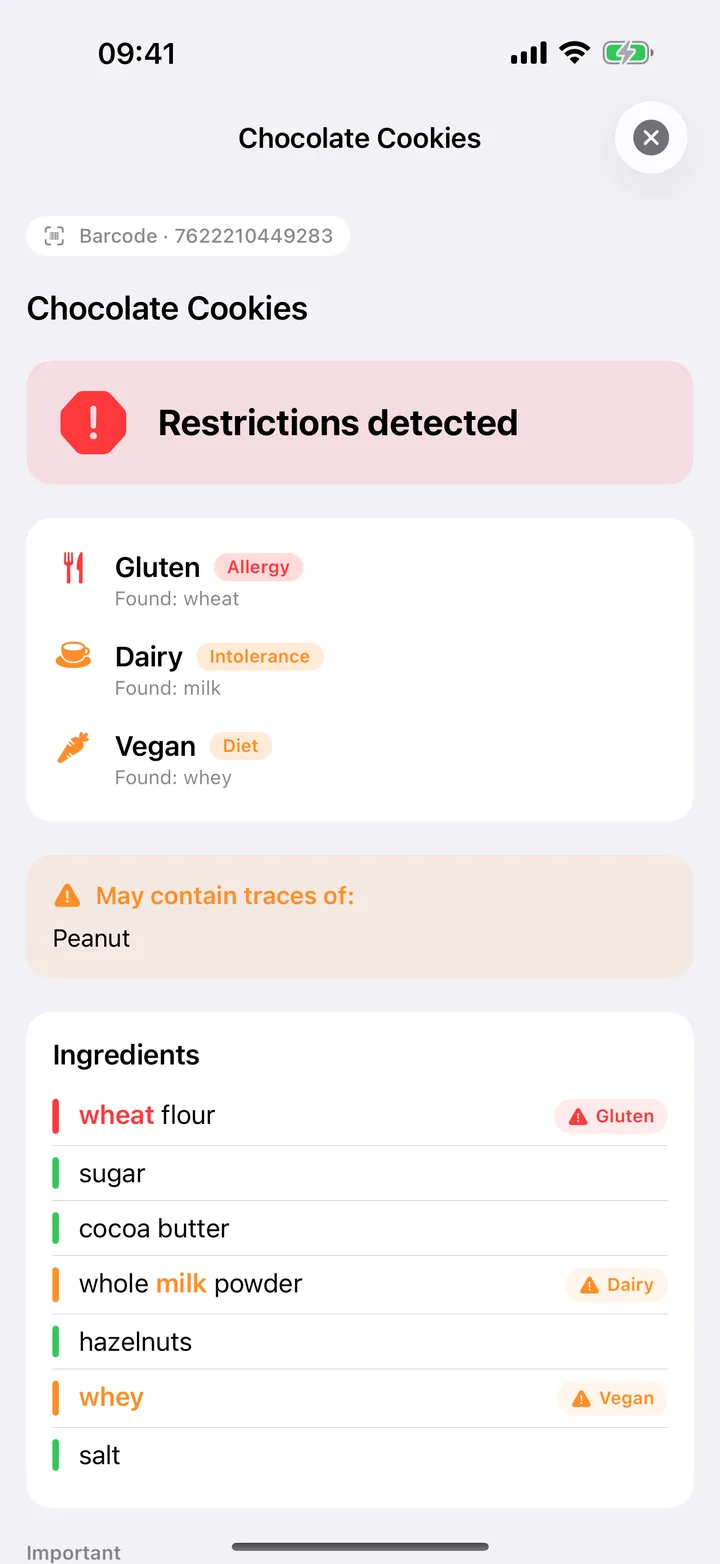
Inside The App
Most products, a barcode scan is enough. When one isn't listed, scan the ingredient label instead.
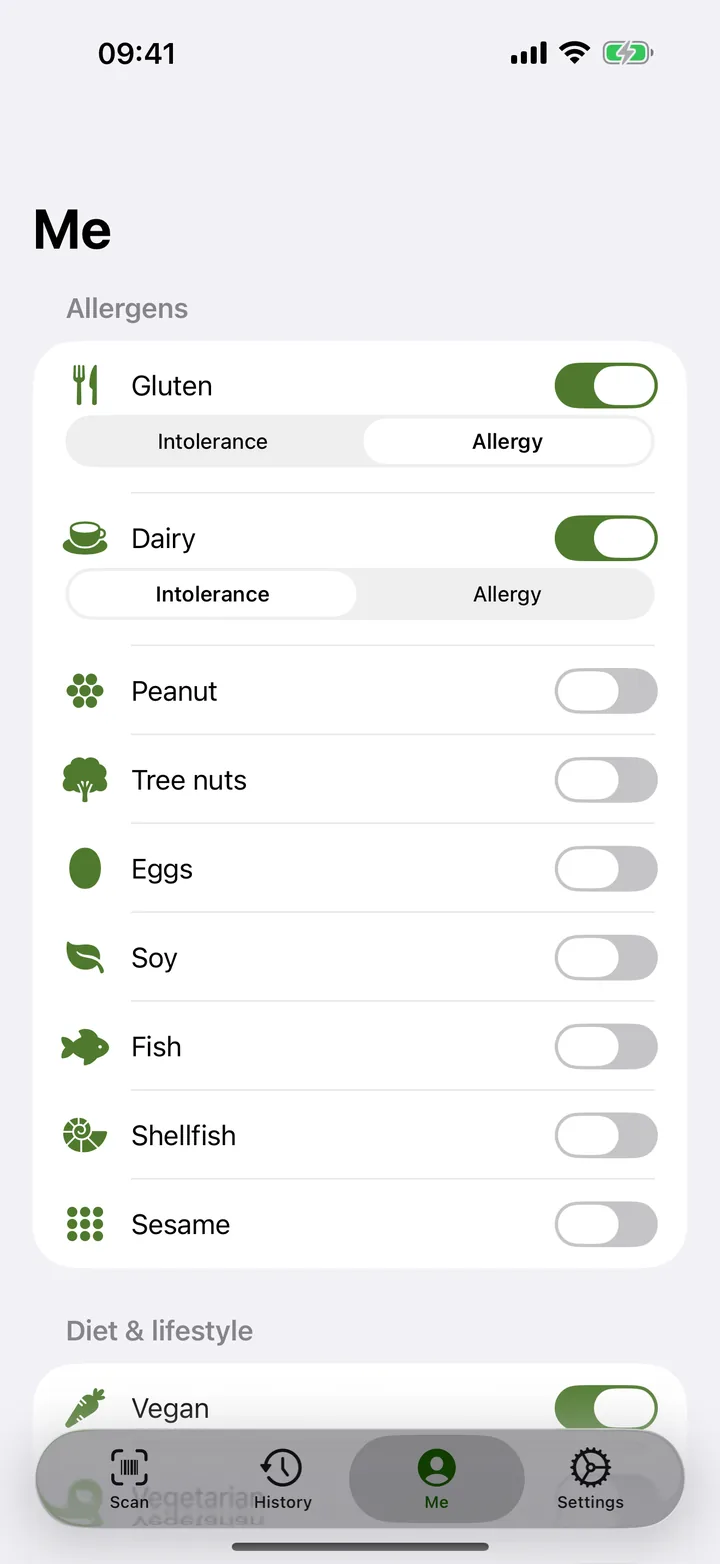
Allergies, diet, halal, kosher, and your own keywords, checked together in a single scan.
Big screens
On iPad, the result opens beside the camera, and you can type a barcode or drop in a photo of the label. On iPhone Duo, the fold splits the screen in two: camera on one side, result on the other.


How Zeyti Reads A Label
The label lists something on your allergy or restriction list.
An intolerance trigger, or an ingredient like gelatin or glycerin where the source isn't clear from the label.
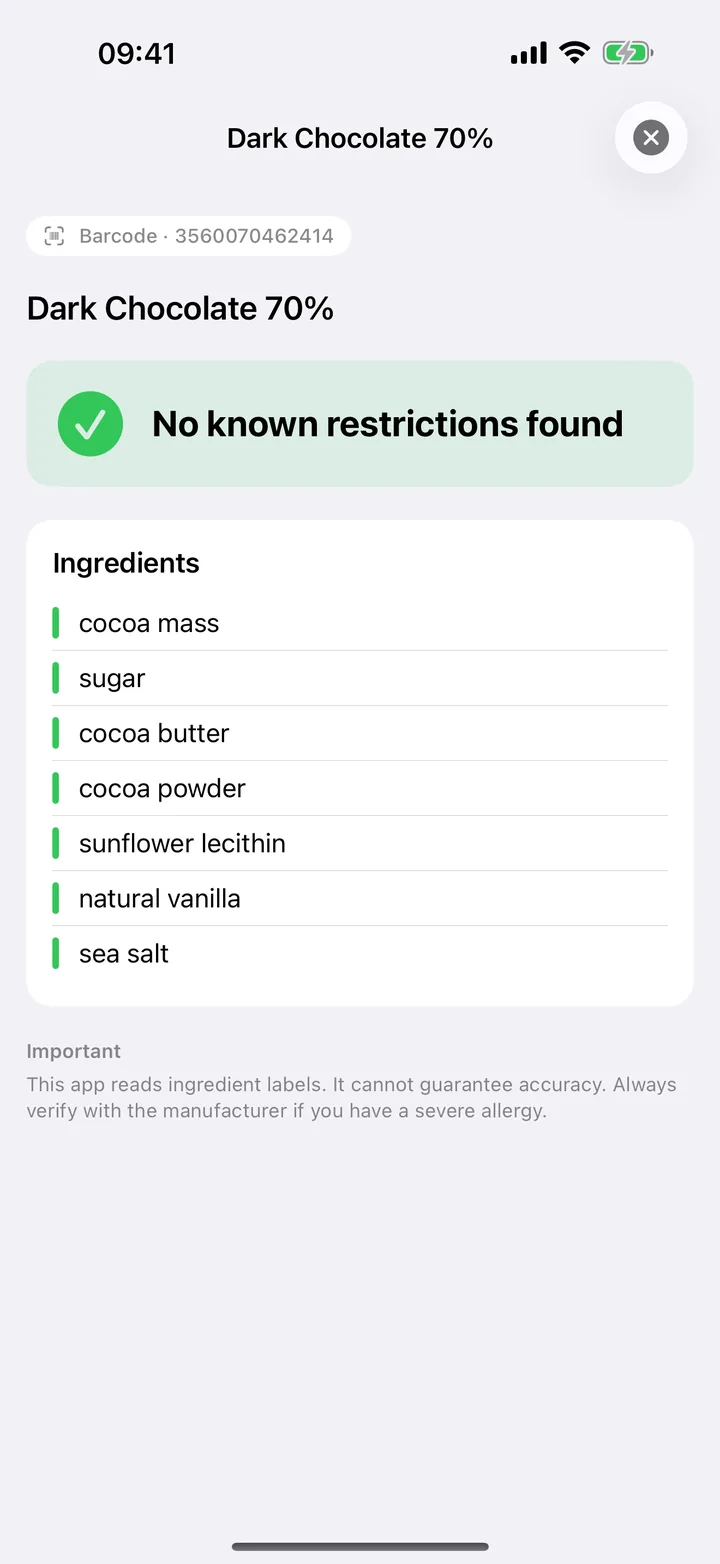
Nothing on the label matched your profile. Zeyti reads labels. It does not test food.
Features
Zeyti reads what the label declares and flags ingredients worth a second look. It never claims certification.
Set the severity for each restriction. An intolerance gets a caution. An allergy gets a stop.
No fixed list covers every trigger. Add the ones that are yours, and Zeyti watches for them too.
Your profile and scan history stay on your device and in your own iCloud. They never reach our servers.
How It Works
Pick your allergies, diet, and beliefs once. Add your own keywords if you have them.
Barcode or ingredient label, whichever is in front of you.
See which ingredient triggered the flag, and which restriction it matched.
Zeyti reads labels. It does not test food. Halal and kosher signals reflect what a label declares, not independent certification. For medical decisions about an allergy or intolerance, talk to a doctor.
Zeyti is free to download, and Pro starts with a free trial.
 Zeyti